Vector graphics (SVG)
SVG logos, icons and gradients embedded as real vectors, sharp at any size.
SVG sources are auto-detected and embedded as PDF form XObjects rather than rasterised.
SVG images
data: URIs
1 page
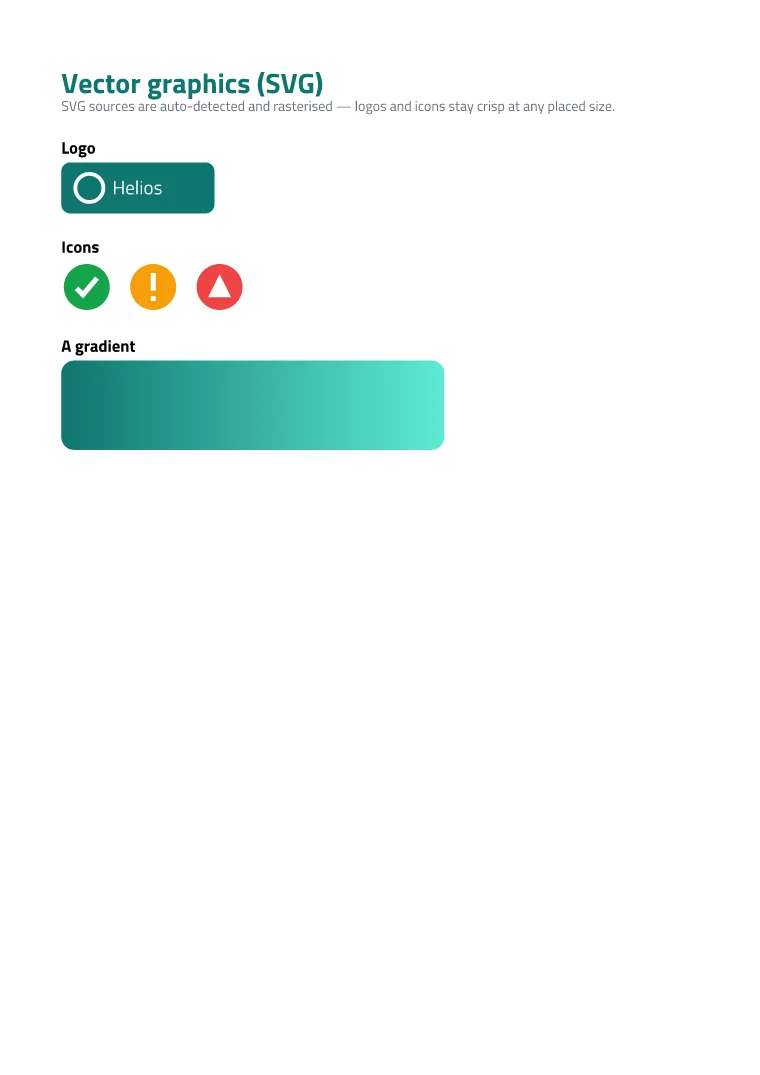
render_graphics.rb
ruby
require 'json'
require 'soli/pdf'

template = JSON.parse(File.read('graphics.template.json'))
data     = JSON.parse(File.read('graphics.data.json'))

pdf = Soli::PDF.render(
  template: template,
  data: data,
  title: 'Vector graphics'
)
File.binwrite('graphics.pdf', pdf)
Run it yourself
- Add the gem to your Gemfile — see Installation.
- Download graphics.template.json and graphics.data.json.
- Run
ruby render_graphics.rb.
graphics.template.json
json
{
  "fonts": ["TitilliumWeb"],
  "options": { "margins": 48 },
  "content": [
    { "type": "paragraph", "spans": [ { "text": "Vector graphics (SVG)", "color": "0f766e", "fontWeight": "bold" } ], "options": { "fontSize": 22 } },
    { "type": "paragraph", "spans": [ { "text": "SVG sources are auto-detected and rasterised — logos and icons stay crisp at any placed size.", "color": "6b7280" } ], "options": { "fontSize": 11 } },
    { "type": "move", "y": 18 },

    { "type": "paragraph", "value": "Logo", "options": { "fontSize": 13, "fontWeight": "bold" } },
    { "type": "move", "y": 6 },
    { "type": "image", "width": 120,
      "value": "data:image/svg+xml,<svg xmlns='http://www.w3.org/2000/svg' width='240' height='80'><rect width='240' height='80' rx='14' fill='#0f766e'/><circle cx='44' cy='40' r='22' fill='none' stroke='white' stroke-width='6'/><text x='80' y='50' font-family='Titillium Web' font-size='30' fill='white'>Helios</text></svg>" },
    { "type": "move", "y": 56 },

    { "type": "paragraph", "value": "Icons", "options": { "fontSize": 13, "fontWeight": "bold" } },
    { "type": "move", "y": 6 },
    { "type": "image", "width": 40,
      "value": "data:image/svg+xml,<svg xmlns='http://www.w3.org/2000/svg' width='40' height='40'><circle cx='20' cy='20' r='18' fill='#16a34a'/><path d='M12 21 l5 5 l11 -13' fill='none' stroke='white' stroke-width='4'/></svg>" },
    { "type": "move", "x": 52 },
    { "type": "image", "width": 40,
      "value": "data:image/svg+xml,<svg xmlns='http://www.w3.org/2000/svg' width='40' height='40'><circle cx='20' cy='20' r='18' fill='#f59e0b'/><rect x='18' y='9' width='4' height='14' fill='white'/><rect x='18' y='27' width='4' height='4' fill='white'/></svg>" },
    { "type": "move", "x": 52 },
    { "type": "image", "width": 40,
      "value": "data:image/svg+xml,<svg xmlns='http://www.w3.org/2000/svg' width='40' height='40'><circle cx='20' cy='20' r='18' fill='#ef4444'/><path d='M20 10 l9 18 l-18 0 z' fill='white'/></svg>" },
    { "type": "move", "x": -104, "y": 56 },

    { "type": "paragraph", "value": "A gradient", "options": { "fontSize": 13, "fontWeight": "bold" } },
    { "type": "move", "y": 6 },
    { "type": "image", "width": 300,
      "value": "data:image/svg+xml,<svg xmlns='http://www.w3.org/2000/svg' width='300' height='70'><defs><linearGradient id='g' x1='0' y1='0' x2='1' y2='0'><stop offset='0' stop-color='#0f766e'/><stop offset='1' stop-color='#5eead4'/></linearGradient></defs><rect width='300' height='70' rx='10' fill='url(#g)'/></svg>" }
  ]
}
graphics.data.json
json
{}
More in Showcase